Photo books
First 20 pages from 16 GBP
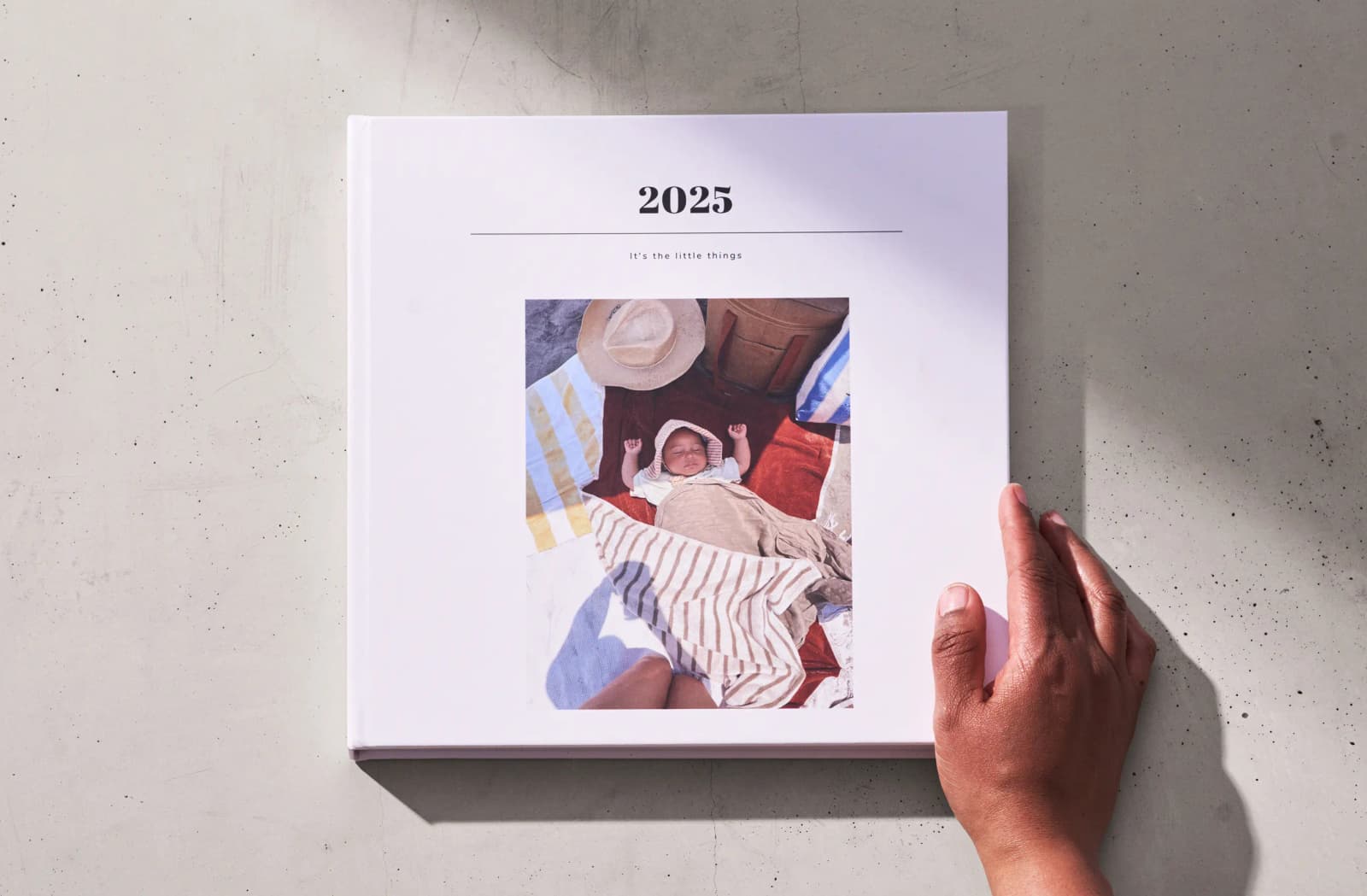
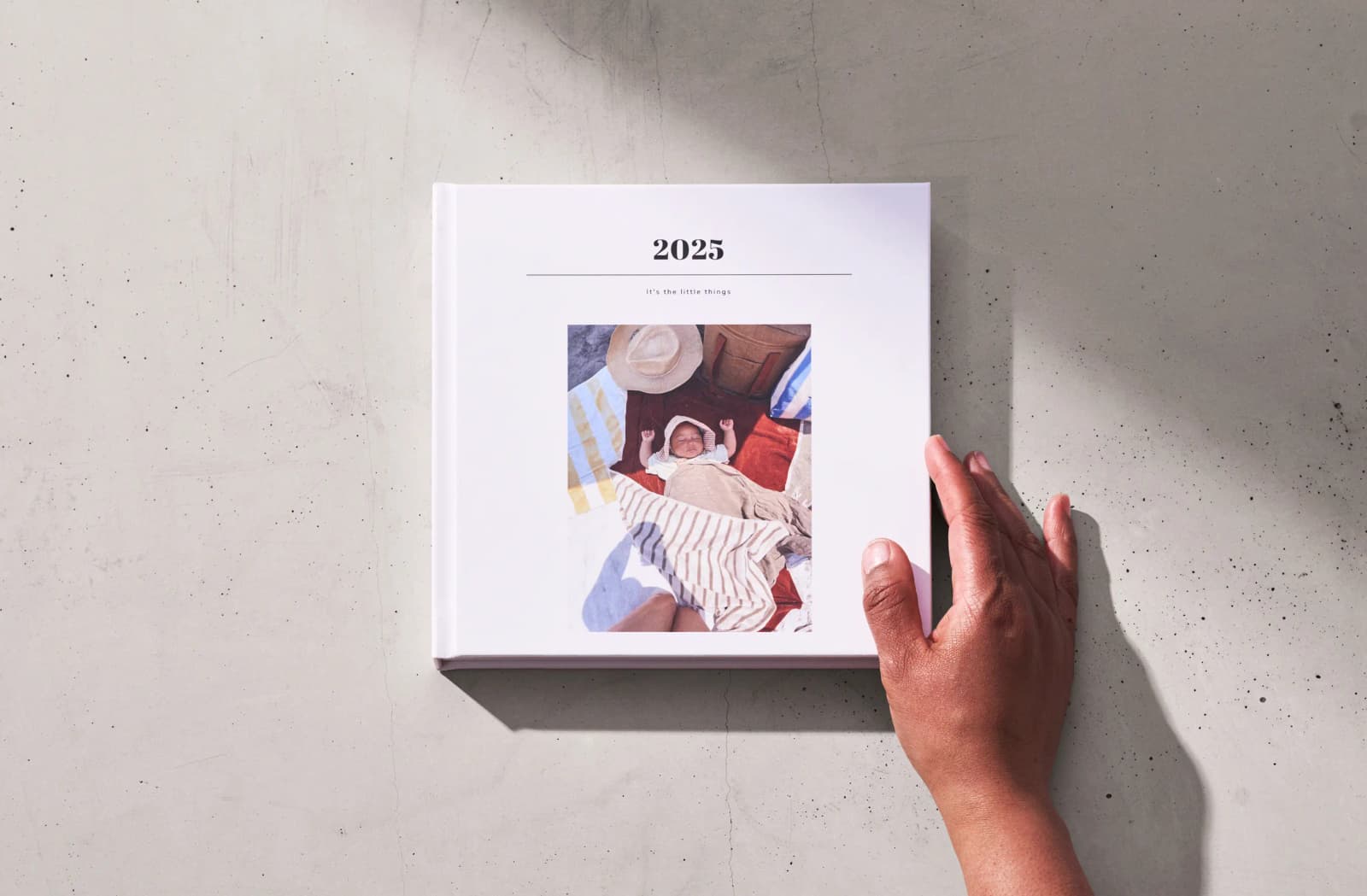
From big milestones to little everyday moments, turn your favorite memories into a photo book you’ll actually flip through. You can add your photos bit by bit or create it all in one go – either way, the app will take care of the design while you soak up the memories.
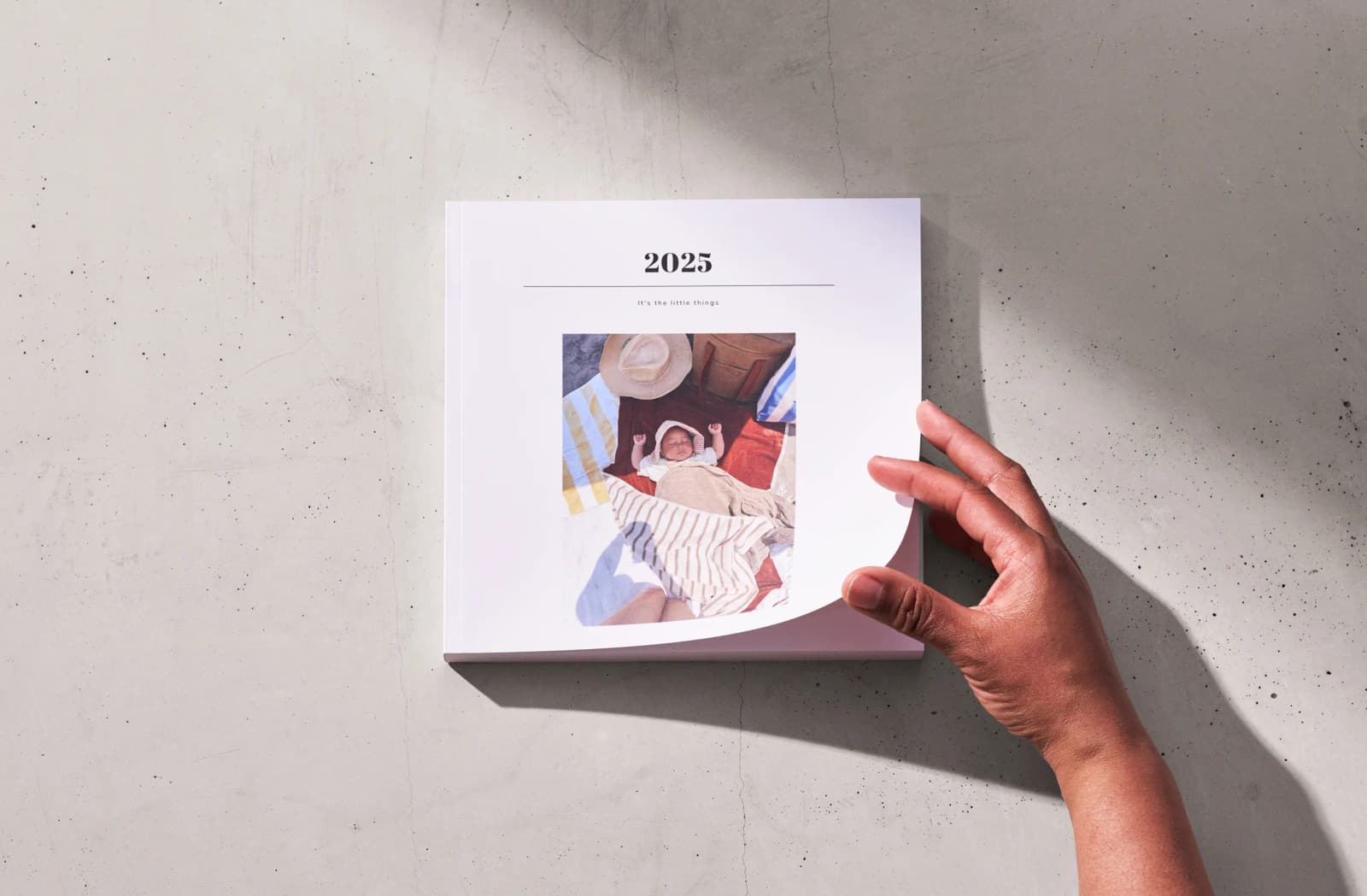
- Book types: Hardcover or Softcover
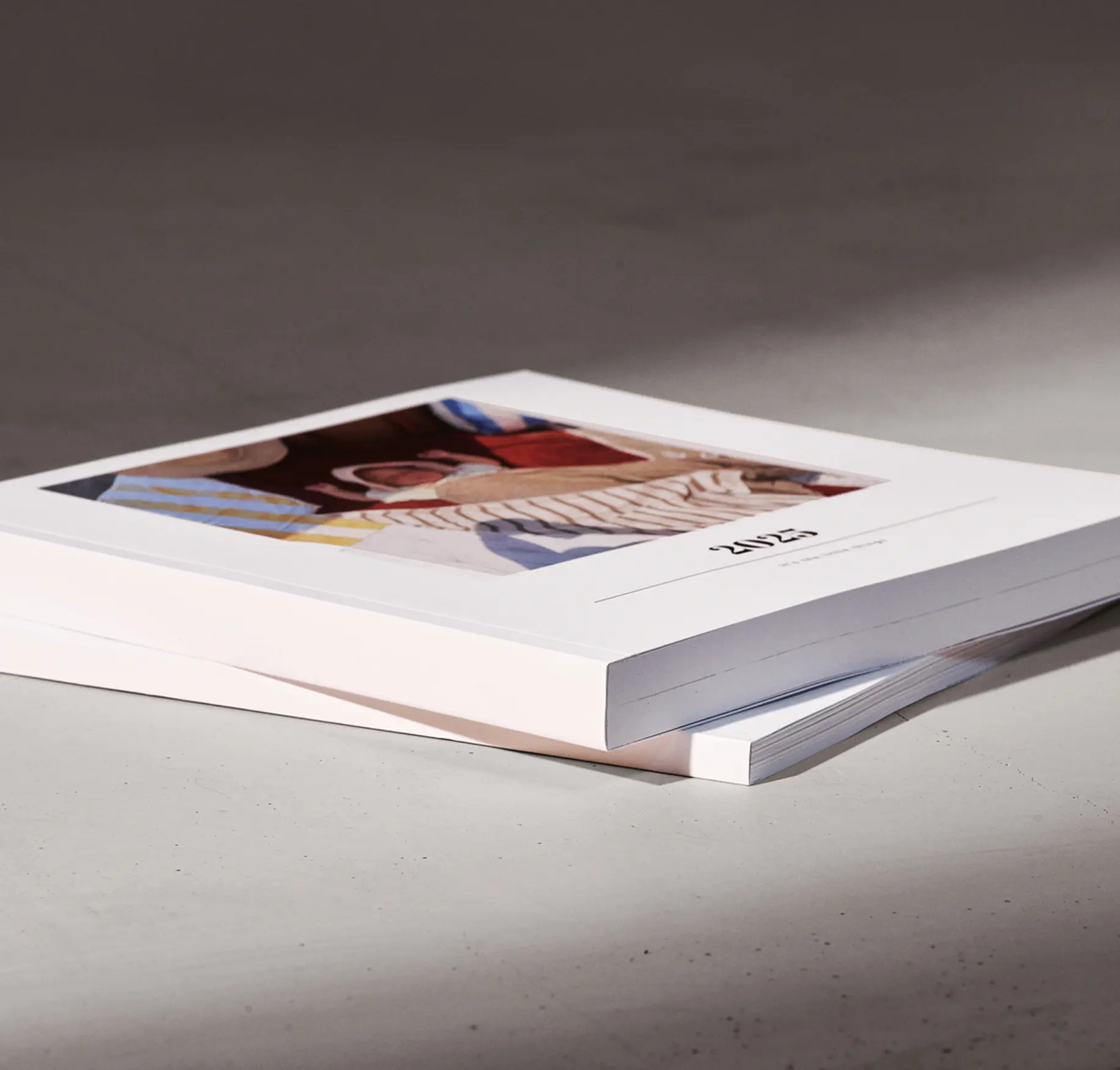
- Paper types: Silk matte or semi-gloss
- Book sizes: 20x20 cm or 27x27 cm
- Book length: From 20 to 300 pages
Turn moments into memories
Your story, your way
Create your photo book whenever, wherever. Start on your phone, tweak on your tablet, and finish on your computer – your memories move with you.
Printing near you
Your book will be printed as close to you as possible. We have printers in Sweden, Germany, the Netherlands, Australia, the UK, and the US.
Make it together
Memories are best shared! Invite friends and family to co-create with a simple link or QR code. More perspectives, more stories, more love.
Love-it guarantee
Your memories deserve to shine. If your book isn’t perfect, let us know – no hassle, just happiness.
Five photo books that are waiting for you in your phone:
Your best memories are already in your phone, just waiting to be turned into a photo book. Here are five ideas to bring them to life:
1
This is my year
Capture all the moments from your year – the lazy Sundays, chaotic mornings, and the biggest milestones.
2
Vacay replay
A bucket-list adventure or a chaotic road trip, it all belongs in a book you’ll flip through again and again.
3
You & Me
Whether it’s your first year together or your 10-year anniversary, relive the little moments that make your love story yours.
4
My baby’s firsts
Those tiny toes, first giggles, and sleepy cuddles is something you’ll want to keep, forever.
5
Fur-tastic memories
The cutest, funniest, and most mischievous moments of your furry best friend.
I am obsessed!!! This photo book is one of the best purchases I've made
– Trustpilot review
Make your year book bit by bit
Making a year book doesn’t have to be overwhelming – just add your photos bit by bit. Start at the beginning of the year, add favorites as you go, and before you know it, your year book is done. Here’s how you’ll keep it effortles.
1
Set a monthly reminder to add your photos
2
Turn waiting time into year book tim
3
Use your breaks at work to add a few shots
4
Swap your doom scrolling for photo booking
5
Add photos to your book each night while on a trip
6
Make it a cozy Sunday routine to wrap up the week

Do you offer any discounts?
Join our newsletter family and enjoy a thank-you discount! You can also invite a friend – that gives both you and your friend a discount.
What’s your return policy?
We get it – sometimes expectations aren’t met, or a gift arrives too late. While we don’t offer returns or refunds on our on-demand products, we always want to help. If something’s not right, reach out and we’ll do our best to make it right.
Can I buy a gift card?
We don’t offer gift cards at the moment. But keep an eye on our newsletter to be the first to know when we launch new products or features!
How many fonts can I choose from?
You can choose between four font styles for your book’s headlines. Symbols or pasted fonts aren’t supported and won’t print correctly.
Can I use old images with low resolution?
Yes, you can! Just keep in mind that low-resolution photos might look a bit blurry in print, but they won’t stop your order. Using a smaller layout can help them look their best.
What are the layout options?
You can add up to six images per spread. Combine photos with text and captions to make your book even more personal. You can also choose from ten different cover colors to match your style.
Can I make changes after I’ve placed my order?
Neither you nor we can make changes once the order is placed, but you can cancel your order within the first hour and place a new one with your edits. We recommend previewing your book before ordering to make sure everything looks exactly how you want it.
How do I know when my order will arrive?
You can track your order using the tracking link in the app under “My orders.” To learn more about delivery times, visit our Delivery & Payment page.